Define the problem before opening a tool
A store audit should begin with a specific concern: visitors cannot find products, product pages attract attention without purchases, or the site is difficult to use on a phone. These observations suggest different investigations. Record the store URL, sales channels, target countries, important products and the period being reviewed. Agree which pages and account reports are in scope. A public-page review can reveal usability issues, but it cannot explain private checkout failures or customer behavior without access to relevant evidence. Treat missing data as a limit, not an invitation to guess.
Write one question the audit must answer. Then list the evidence available to answer it: public pages, authorized reports, customer questions and test journeys.
Trace how a customer discovers a product
Start at the homepage, a collection and a typical search landing page. Can someone understand what the store sells, reach the right category and narrow the choices? Test labels using the words customers recognize. Google’s ecommerce documentation explains why links connecting categories and products matter for discovery; a product available only through an internal search box may be difficult for a crawler to find. Inspect navigation links, empty categories and relevant internal routes. Keep customer usability and search access connected, while recognizing that a crawlable page is not guaranteed to rank.
Choose three representative products. Record the path to each from a category and from an incoming search landing page. Note dead ends and unclear labels.
Check whether product pages resolve hesitation
Review the actual information a buyer needs: what is included, dimensions or format, variation choices, availability, delivery expectations and returns. Check that the chosen variant matches its image and price. A digital download needs different explanations from a physical item; say which files are supplied and what software is required. Avoid replacing missing information with longer promotional text. Look for contradictions between the listing, cart and policy pages. Assess a small, representative sample in depth before assuming every listing has the same problem.
For each sampled product, write the unanswered question and the exact location where the answer belongs. Keep factual corrections separate from design preferences.
Walk the mobile buying journey
Use a real phone when possible and test the route from landing page to cart. Watch for unreadable controls, overlays hiding actions, difficult variant selection and information appearing too late. Inspect loading behavior and record the conditions under which a problem occurs. Automated performance checks can flag bottlenecks, but they do not replace observing the journey. Use a test environment or an agreed test order for payment checks; do not create unintended live purchases. Marketplace sellers should distinguish their own listing choices from interface elements controlled by the platform.
Document each issue with a page, device or viewport, action, expected behavior and observed result. Include a screenshot when it helps someone reproduce the problem.
Turn findings into an ordered work plan
A report becomes useful when it explains what to do first. Group findings by customer impact, confidence in the evidence, effort and dependency. A broken purchase action usually deserves attention before a cosmetic preference. A missing product fact may require the business owner before a designer can improve the layout. Assign an owner and an observable completion condition to each accepted change. Keep uncertain hypotheses clearly labeled. Avoid presenting an arbitrary score as proof of sales potential or promising that every recommendation will increase revenue.
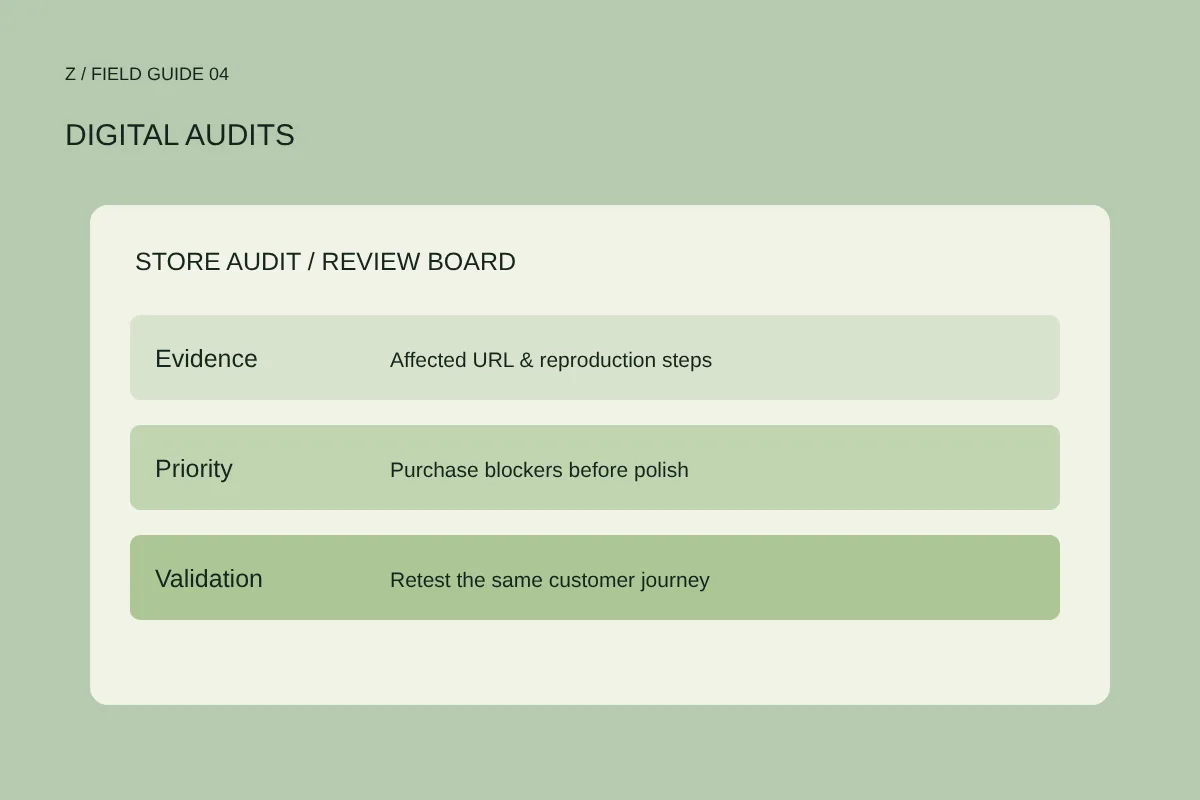
Create a short action table: issue, evidence, proposed fix, owner, priority and verification. Choose a manageable first batch rather than starting every recommendation at once.
Recheck the changed journey
After implementation, repeat the same steps that revealed the original issue. Confirm that the correction works and that related pages remain usable. Keep a dated record of what changed so later reporting has context. Where sufficient data exists, review outcomes over an agreed period while accounting for changes in traffic, promotions and availability. An audit is a diagnosis and a practical improvement plan, not a guarantee of rankings or orders. The strongest handover makes the next decision clearer and gives the team a repeatable way to check its work.
Bring your store URL and main concern to an audit conversation. Agree scope, access and deliverables before sharing any account permissions; never send passwords in an inquiry.
Further reading
Google Search Central: ecommerce site structure ↗ Google Search Console: URL Inspection ↗Make it specific.
Bring your website or store URL and the question you want to answer. We can discuss the right scope.
Start a conversation ↗