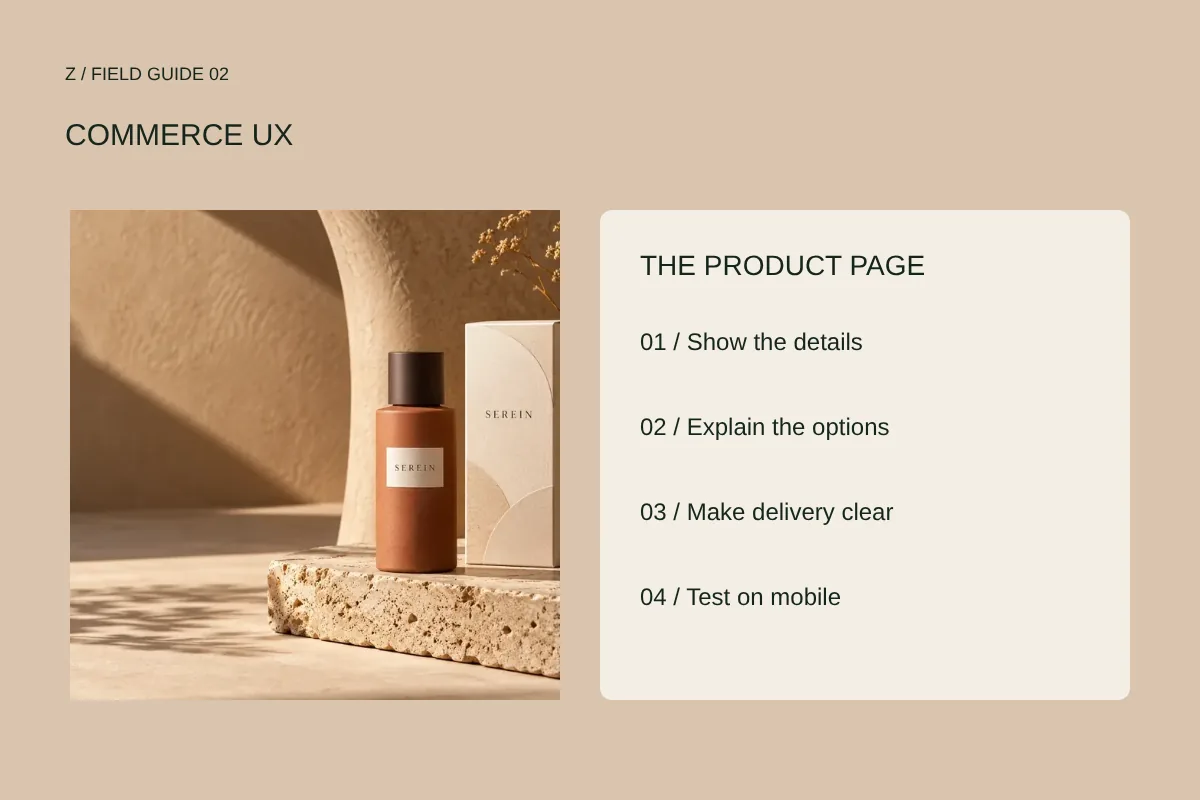
Answer the questions around the product
An attractive image can create interest. The rest of the page has to answer practical questions: what is included, who is it for, what size is it, which version is shown and what limitations matter? Write for a person who has not seen your social posts or category page. The product page may be their first encounter with the brand.
Ask someone unfamiliar with the item to describe what they would receive. Write down every uncertainty before redesigning the page.
Give each image a different job
A useful sequence can show the whole item, a close detail, scale, variations and an example of use. Five similar angles may fill a gallery while leaving the same question unanswered. Show actual product photography where available. Clearly label renders or concept images and avoid using an image to imply a feature the product does not have.
Under each planned image, write the question it answers. Remove duplicates and commission the missing views.
Make choices visible and reversible
Size, finish, color and quantity should read as decisions rather than decoration. Show the selected option clearly, identify unavailable choices and keep validation close to the control. If an option changes price or availability, the relationship needs to be understandable before the item enters the cart.
Try choosing the wrong option, changing it and removing the item from the cart. Note where the interface makes recovery difficult.
Bring delivery and returns into the decision
Do not ask people to commit before they can find the terms that affect the purchase. Use accurate delivery coverage, charges, timing and return information for the actual business. When costs depend on destination, explain when and how they will be calculated. An unexplained surprise late in the journey creates avoidable uncertainty.
Review the page with a specific buyer location and product variant in mind. Identify what remains unknown before checkout.
Review the journey on a small screen
A desktop composition does not prove that the buying journey is usable on a phone. Read the description, inspect images, select a variant and open the cart at a narrow width. Watch for controls below sticky overlays, tiny targets, clipped prices and jumps caused by late-loading images.
Use a real phone when possible. Test with one hand and ordinary connection conditions; keep a separate record of device and browser.
Improve one source of friction at a time
Begin with observed confusion and incomplete information. Keep an issue log that records the page, problem, evidence, proposed change and acceptance check. If measurement is available, define what you will review after the change. Do not claim a sales increase from appearance alone.
Choose one product and complete the journey from landing to cart. Fix the clearest issue, recheck it and apply the useful pattern across the catalogue.
Bring your next question.
Share your website or store and tell us what you want to improve. We can discuss the right service or digital audit.
Start a conversation ↗