Start with the everyday work
The right website platform is the one that supports the business after launch. Before comparing themes, describe the recurring tasks: publish an article, update a service, add a product variation, process an order or approve a customer request. Identify who will do each task and how much technical support they can realistically access. A website that is easy to demonstrate may still be awkward to maintain. Write down the customer’s essential journey alongside the operator’s daily workflow. Both need to work for the platform choice to make sense.
List five tasks your team will perform every month. Ask for a demonstration of those tasks using realistic content, rather than judging the platform from a homepage alone.
Separate publishing from commerce requirements
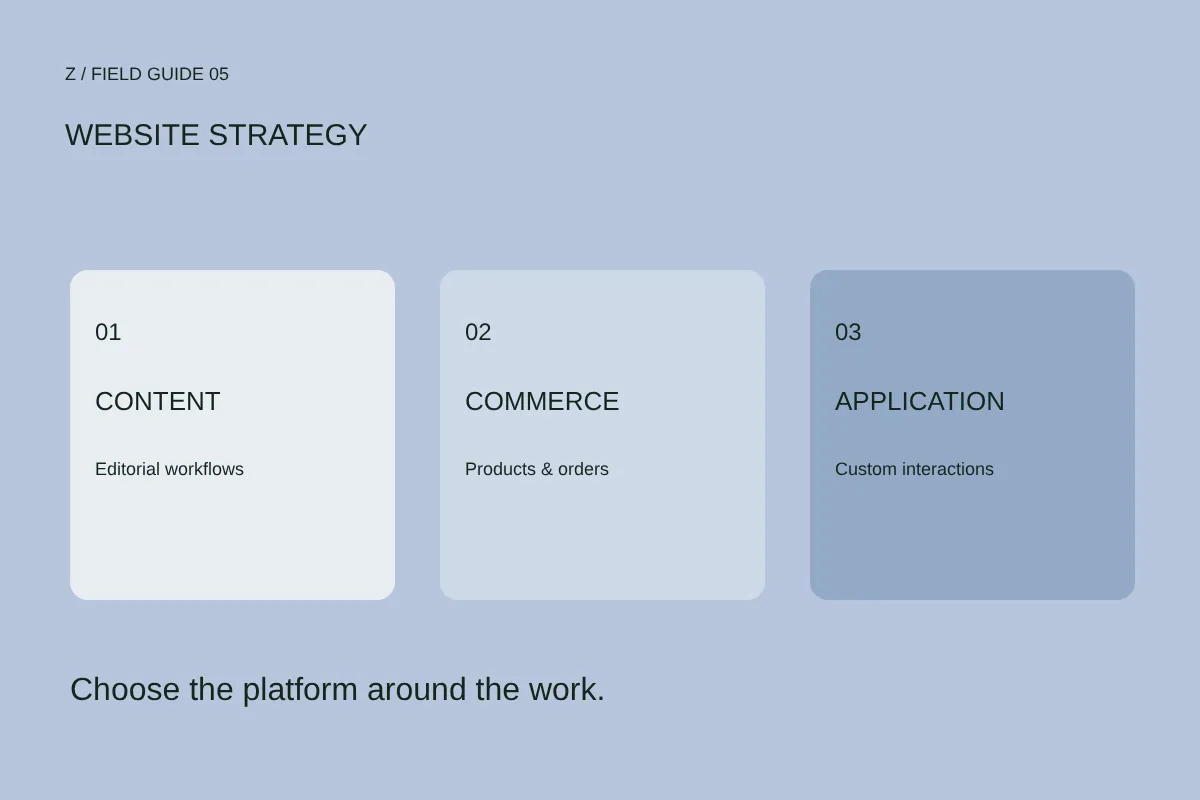
A service website primarily needs clear pages and a reliable inquiry route. An editorial site needs organized publishing. A store adds catalogue management, payments, fulfillment and returns. WordPress provides posts, pages, publishing controls and extensibility. WooCommerce adds an open-source commerce system built on WordPress. Shopify organizes its setup around launching and managing a commerce business. These distinctions help form a shortlist; they do not determine a winner by themselves. Verify the exact features, supported markets and integrations that matter to your project before choosing a route.
Mark each requirement as essential, useful or later. Include product types, variants, content categories, languages and the payment options customers expect to use.
Test editing before approving the design
Your team should be able to make the changes promised in the scope without breaking the layout. Ask to edit a real heading, replace an image, create a page and preview mobile content. Decide which areas need structured templates and which may be freely composed. More flexibility can also create more opportunities for inconsistency. Agree access roles and who approves publication. If only a developer will update the website, document that arrangement clearly so the handover does not imply self-service editing that has not been built.
Give the future editor a short checklist and let them complete it in a trial or demonstration environment. Record any step that needs training, custom development or ongoing support.
Price the whole operating setup
A platform subscription or hosting price is only part of the cost. Your comparison should include the design and build, domain, hosting, required extensions, maintenance, backups, support and any usage-based charges. Obtain current prices directly from the relevant provider; plans and regional availability can change. Distinguish optional tools from dependencies needed for the core journey. An inexpensive launch can become expensive to operate when routine tasks require custom intervention. Conversely, a more complex system is not automatically a better investment for a small, focused website.
Create a twelve-month operating estimate with one-time and recurring costs separated. Name the owner of each subscription and identify the features that stop working if it is cancelled.
Check the integrations and exit route
Write down the systems the website must exchange information with, the direction of that exchange and who owns the records. A catalogue sync is different from a one-time import. Validate crucial integrations with representative data before committing to the full design. Also ask how content, products, images and relevant records can be exported, subject to the actual tools and permissions available. A custom build needs the same questions about source delivery, documentation and hosting. Avoid describing any platform as effortless to migrate without examining the real data and dependencies.
Choose one important integration and one export task as proof points. Ask what is included, what needs additional work and which limitations remain.
Choose with a small acceptance test
Compare the shortlisted routes against the same scenario: create an item, publish it, find it on mobile and complete the intended next step in a test environment. Include an error or missing-field state so the review goes beyond a polished screen. Record the tradeoffs and the reason for the decision. Custom development is useful when a verified workflow requires it, but it also needs ongoing ownership and support. The aim is a maintainable fit for the current business with understood options for growth, not a platform chosen because its name is fashionable.
Bring your requirements, editing needs and operating budget to discovery. Agree the platform decision before detailed production design, and keep the decision record with the project handover.
Further reading
WordPress features ↗ WooCommerce documentation ↗ Shopify setup guidance ↗Make it specific.
Bring your website or store URL and the question you want to answer. We can discuss the right scope.
Start a conversation ↗