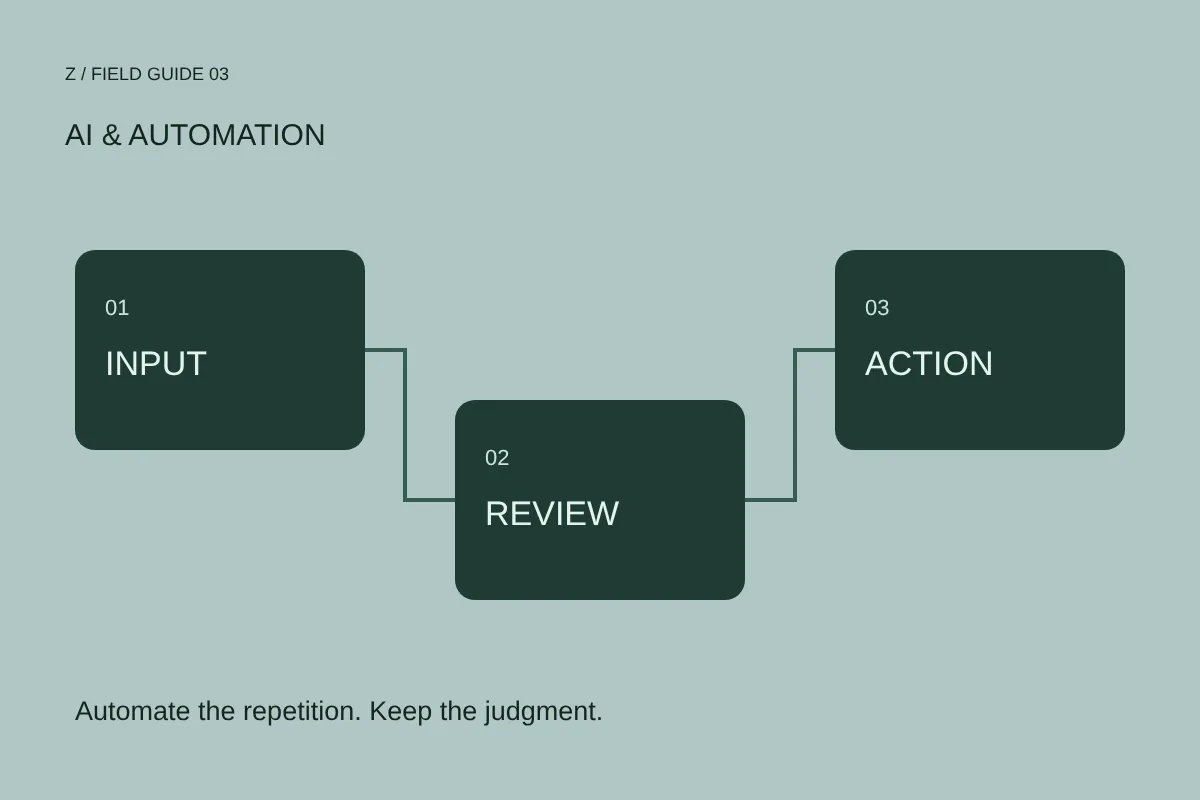
Choose a bounded workflow
Start with a repeated task whose inputs and output can be described clearly. Preparing a draft summary from a structured form is easier to evaluate than “run the whole business.” Name the trigger, source of information, transformation and destination. Identify which steps are rules and which require interpretation.
Map the workflow on one page. If the task cannot be described clearly, clarify the process before adding automation.
Define the boundary of authority
Decide what the system may prepare and what it may execute. Drafting a reply and sending it to a customer have different consequences. Updating an internal label and changing a live price should not share an accidental permission model. Agree the boundary with the people accountable for the workflow.
Use three labels: automatic, review required and prohibited. Assign each action before connecting accounts.
Treat missing information as a state
Incomplete inputs should not silently become invented answers. Specify what happens when a required field is absent, a record conflicts with another source or a service cannot be reached. Useful states include needs review, waiting for data and failed with a recoverable reason.
Test with an empty field, a contradictory request and a duplicate event. The expected behavior should be written down before the test.
Design the review screen
A person cannot approve responsibly if they only see a polished final answer. Show relevant source information, the proposed action and anything uncertain. Give them a clear way to edit, reject or defer. Where reversal is possible, document it. Where it is not, make the approval step explicit.
Ask a reviewer to explain what will happen before pressing approve. If the action is unclear, improve the review interface.
Keep access and records proportionate
Connect only the information and permissions the workflow actually needs. Record enough context to diagnose failures without collecting unnecessary sensitive content. Identify who can see records and how long they are needed. Deployment choices should follow the actual data and business requirements.
List each connected service, required permission, record owner and failure contact. Review the list when scope changes.
Pilot before expanding
Run the workflow on a controlled sample and compare the output with the expected result. Include ordinary requests and exceptions. A useful pilot shows both what the system handles and where human intervention remains necessary. Expand only after those boundaries are understood.
Document a pass condition, a stop condition and a manual fallback. Keep the first version small enough to inspect.
Bring your next question.
Share your website or store and tell us what you want to improve. We can discuss the right service or digital audit.
Start a conversation ↗